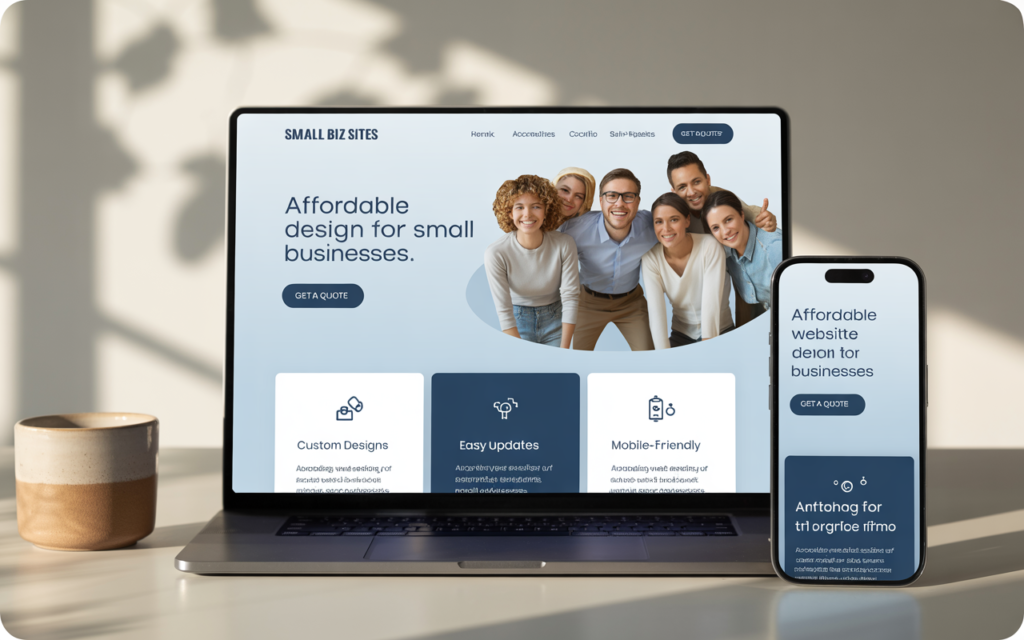
Affordable does not have to mean “cheap-looking.”
When I started working with small business owners, I saw the same problem. Many had small budgets but big dreams. Most were local shop owners or service providers. They wanted a good website but could not spend thousands. By using simple layouts, low-cost tools, and clear buttons, I made sites that looked great, loaded fast, and brought in new customers.
I found a simple process that balanced cost and quality. The right design can make a small business look as trusted as a big brand.
In this guide, I will share easy tips to make a small business website that is professional, friendly to users, and low-cost.
What Does a Website Cost?
Before we talk about “how,” let’s talk about “what.”
Many owners hear prices from a few hundred to tens of thousands of dollars. This big gap happens because different things are included.
Think of a website like a house. You can build a small one-story home or a big custom mansion. Both are houses, but the size, features, and cost are very different.
Here are the main costs:
- Domain Name – Your website’s address. About $10–$20 a year.
- Web Hosting – The space where your site lives. From a few dollars to over $100 per month.
- Design & Development – How your site looks and works. This can be one payment or a monthly fee.
- Content – Words, photos, and videos for your site.
Knowing these costs helps you plan a smart budget.
DIY or Hire a Pro?

This is a big choice. Do you build it yourself or pay someone? It depends on your budget, skills, and time.
DIY with Website Builders
Tools like Wix, Squarespace, and GoDaddy let you make a site with no coding.
Pros:
- Low cost (often $10–$30 per month).
- Easy drag-and-drop design.
- Fast to launch (even in a weekend).
- You can edit anytime.
Cons:
- Limited custom design.
- May not grow well with your business.
- You must handle all updates.
Hire a Professional
If you have more money and want a custom site, hire a designer or agency.
Pros:
- Unique design that matches your brand.
- Expert skills in design and user experience.
- Saves your time.
- Easy to grow later.
Cons:
- Higher cost (thousands of dollars).
- Takes more time to finish.
- May need the designer for future changes.
Hybrid Option
A smart middle path is using WordPress.org with paid hosting. Hire a pro to set up a theme for you, then manage content yourself.
Must-Have Features
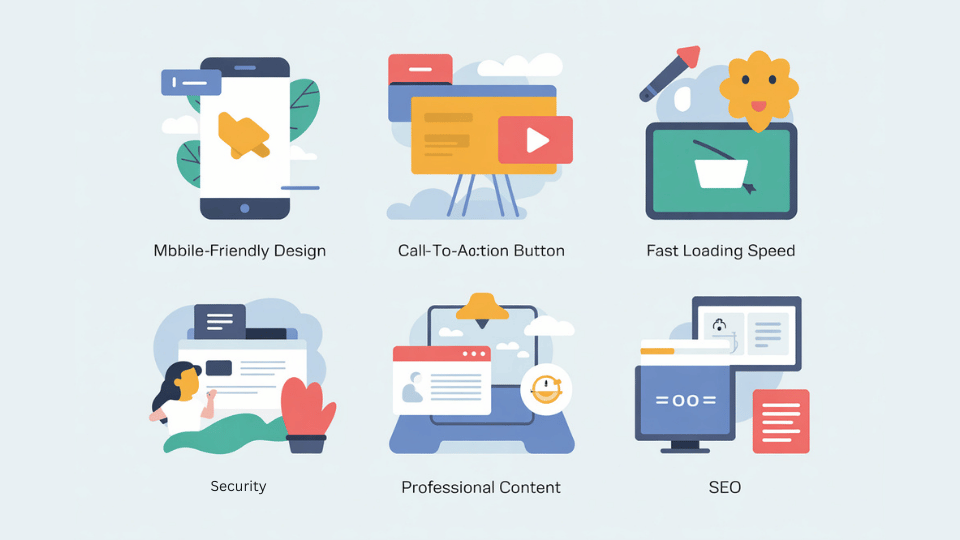
No matter the method, you need these:
- Mobile-Friendly Design – Over half of web visits are on phones. Your site must look good on all devices.
- Clear Call-to-Action – Tell visitors what to do: call, buy, or sign up.
- Fast Loading – Slow sites lose visitors. Use small images and good hosting.
- Professional Content – Use clear writing and high-quality photos. Share your story on the “About Us” page.
- SEO Basics – Use clear headings, meta descriptions, and sitemaps so Google can find you.
Action Plan to Get Your Affordable Website Live in 30 Days
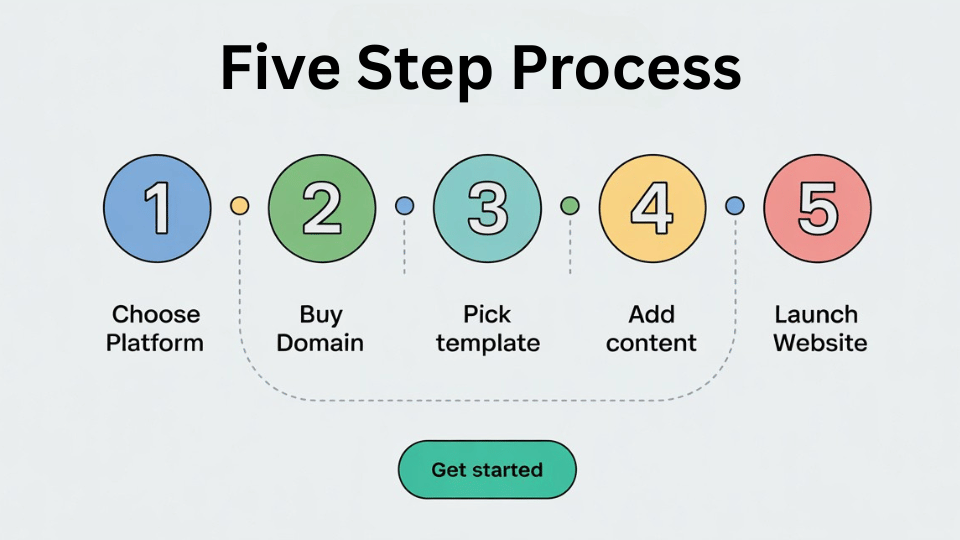
- Choose your platform (DIY builder, freelancer, or agency).
- Buy your domain & hosting.
- Pick a template or get a design mockup.
- Add your core content — homepage, about, services, contact, blog.
- Optimize for SEO & mobile.
- Test and launch.
How to Save Money
Affordable means spending smart, not just less.
- Start with the basics: homepage, about page, services, and contact. Add more later.
- Invest in good hosting and tools.
- Use free resources like Unsplash for images and Google Fonts for text styles.
- Don’t get stuck overthinking. Launch your site and improve over time.
How to Keep Costs Down Without Sacrificing Quality
- Use a CMS like WordPress — it’s free and has thousands of templates.
- Leverage stock photos (Unsplash, Pexels) instead of custom photography at the start.
- Start small — launch with 4–5 essential pages and expand later.
- Learn basic updates yourself — so you’re not paying $50 for every tiny text change.
Cost Breakdown Example (Typical 5-Page Small Business Site)
| Feature | DIY Cost | Freelancer Cost | Agency Starter Cost |
| Domain + Hosting (Yearly) | $50–$120 | $50–$120 | $50–$120 |
| Design & Development | $0–$300 | $500–$1,500 | $1,200–$2,500 |
| SEO Setup | $0–$50 | $100–$300 | Included / $300+ |
| Maintenance (Yearly) | $0–$100 | $100–$300 | $200–$500 |
Mistakes to Avoid When Building an Affordable Website
- Using outdated templates — makes your brand look old-fashioned.
- Ignoring SEO — without it, your site is just a digital ghost town.
- Overloading with plugins — slows down your site and can break features.
- Skipping mobile testing — test your site on multiple devices before launch.
The SEO Factor in Affordable Web Design
Many small businesses overlook SEO because they think it’s “extra.” But without it, your affordable website is like printing flyers and leaving them in your garage.
At minimum, you need:
- Targeted keyword usage (like “website design for small business”).
- Optimized headings and meta tags.
- Internal linking to other relevant pages.
Conclusion
A strong website is no longer optional. You can use a builder, hire a pro, or mix both. Focus on the must-have features and spend smart. The goal is not the biggest site—it’s a good-looking, mobile-friendly site that brings you customers.
Take the first step and start today.

FAQ
1. What is a mobile-friendly site? It’s a site that fits any screen size, from phones to desktops. This helps more people use it and improves your Google rank.
2. Is WordPress good for small business websites? Absolutely — it’s flexible, SEO-friendly, and scalable.
3. How much should I spend? DIY can cost $150–$500 per year. A pro can cost $2,500–$10,000+.
4. What’s the best platform? Wix and Squarespace are good for beginners. WordPress.org is best for flexibility.
5. What is a theme? A theme is a ready-made design for your site. Pick one that is mobile-friendly and easy to edit.
6. How long does it take to create a small business website? Anywhere from 2–4 weeks for a simple site.
7. What’s the cheapest way to get a small business website? DIY with a template-based website builder and stock images.
8. How important is SEO for small business websites? Critical. Without SEO, your site won’t get found by potential customers.