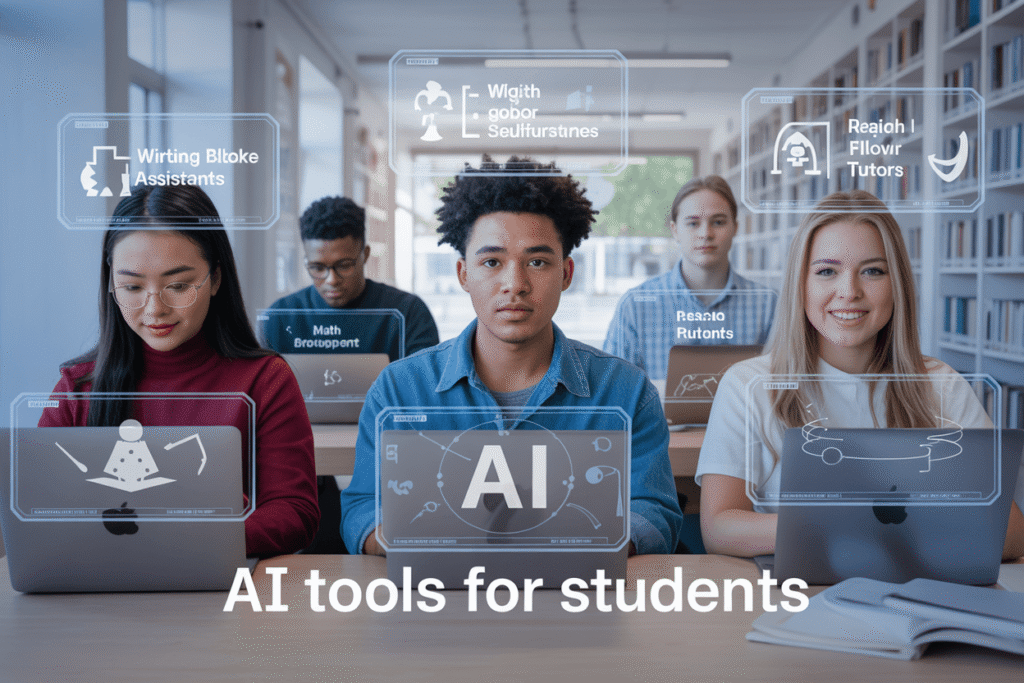
Struggling with homework that feels never-ending? Spending hours on research only to get confused by complicated information? Many students today face the same challenges—tight deadlines, heavy workloads, and the stress of trying to balance studies with personal life.
I remember how overwhelming it felt when I had to juggle multiple assignments at once and still aim for good grades. That’s when I discovered the power of free AI tools, and it completely changed the way I studied.
In this guide, I’ll share the essential AI resources every high school and college student should know. From AI writing assistants that make essay drafting easier, to research tools that simplify complex topics, and even problem-solving platforms for math and science, these tools can save time, reduce stress, and actually make learning enjoyable.
Understanding AI Tools in Education
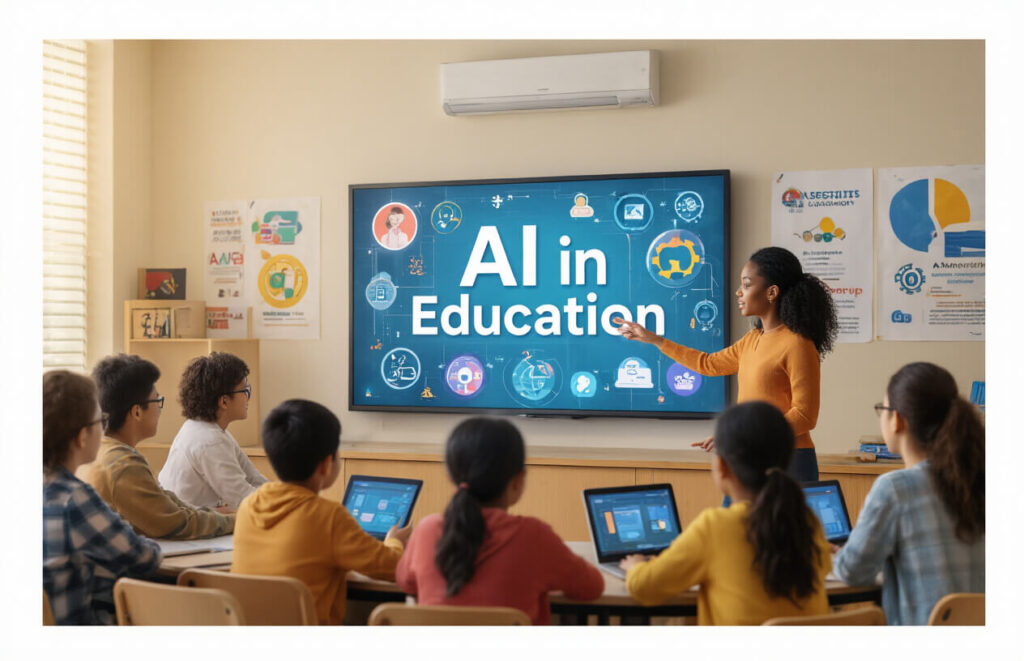
How AI is transforming learning
Gone are the days when students had to spend hours in libraries digging through books for research. AI tools have flipped the script on how we learn. They’re analyzing your study habits, adapting to your learning pace, and serving up personalized content that makes sense to YOU.
Think about it. You’re struggling with calculus at 2 AM. Instead of waiting until morning to ask your teacher, an AI tutor can break down complex problems step-by-step right now. These tools don’t get tired, don’t judge your questions, and work on your schedule.
AI is also changing classroom dynamics. Teachers are using AI to create interactive lessons that adapt in real-time based on how well students are grasping concepts. Boring lectures? Not anymore.
Benefits for students
The perks of using AI tools as a student are massive:
- Time-saving magic: AI summarizes lengthy articles in seconds, helping you digest information faster
- 24/7 support: Got questions at midnight? AI doesn’t sleep
- Personalized learning: Everyone learns differently, and AI adjusts to YOUR style
- Feedback loops: Get instant feedback on essays, math problems, or coding projects
Many students report finishing assignments in half the time while actually understanding the material better. That’s not just efficiency—that’s learning transformed.
Overcoming common misconceptions
“AI will do my homework for me.” Nope, that’s not the point.
AI tools aren’t about bypassing learning—they’re about enhancing it. The best students use AI as a partner, not a replacement for their own thinking.
Another myth? “AI will make me lazy.” Actually, the opposite happens. When routine tasks get automated, you can focus on deeper understanding and creative problem-solving—the stuff that actually matters.
And no, you don’t need to be a tech genius to use these tools. Most are designed with simplicity in mind, with interfaces as friendly as the apps you already use daily.
AI Writing Assistants
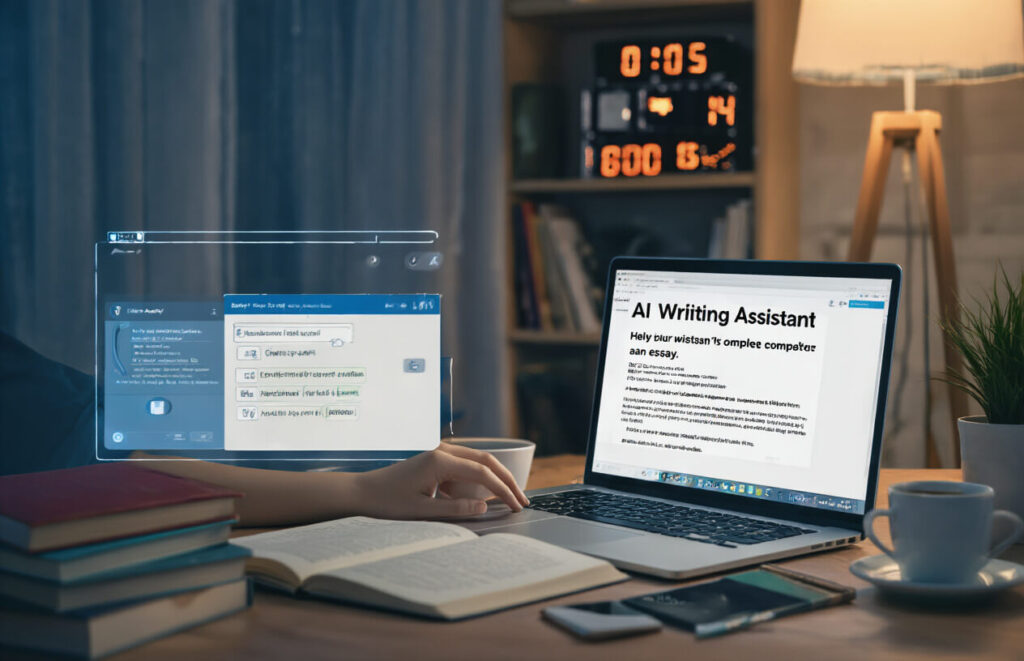
Grammar and style enhancement tools
Ever submitted a paper only to realize later it’s riddled with typos? Embarrassing, right? AI grammar tools are way more than just spell checkers. They catch those sneaky errors that Word misses.
Grammarly remains the superstar here. The free version catches basic mistakes, suggests better phrasing, and helps your writing sound more polished. But don’t sleep on Hemingway Editor either – it highlights complex sentences and passive voice that make your writing drag.
Want something built right into Google Docs? Try ProWritingAid or Language Tool. Both offer solid free versions that’ll catch most errors.
Essay and paper generators
Stuck staring at a blank page? AI can jumpstart your thinking process.
ChatGPT can draft essays, create outlines, or help brainstorm ideas. Just remember – it’s a starting point, not a finished product. Professors can spot AI-generated work a mile away.
For research papers, check out Elicit. It actually pulls relevant academic sources and summarizes findings – huge timesaver when you’re drowning in research.
Note-taking AI companions
Taking notes during fast-talking lectures feels like trying to drink from a firehose. AI note-taking tools change the game.
Otter.ai transcribes lectures in real-time. The free plan gives you 300 minutes monthly – enough for several key lectures.
Notion AI organizes chaotic notes into structured summaries. It’ll transform your messy thoughts into something actually useful for exam prep.
Plagiarism checkers with AI capabilities
Nothing tanks your grade faster than accidental plagiarism. These AI tools have your back.
Quetext offers 500 words of free checking per search. It catches not just direct copies but paraphrased content too.
Copyleaks has a student-specific free plan and uses AI to detect content that’s been run through AI paraphrasers.
Pro tip: Run your papers through these before submission. Better you catch issues than your professor!
AI Research and Study Aids:

Smart research aggregators
Gone are the days of jumping between 20 open browser tabs. AI research aggregators are like having a personal research assistant who never sleeps. Tools like Consensus and Connected Papers pull relevant academic studies from across the web and organize them based on what you’re looking for.
The real magic? These tools don’t just find papers—they understand them. Elicit can answer specific research questions by analyzing thousands of studies in seconds. It’s like asking a question to someone who’s read everything ever written on your topic.
Try this next time you’re stuck: instead of endless Google searches, drop your research question into Scite.ai and watch it deliver results organized by how they’re cited in other papers. You’ll save hours and find better sources than your classmates.
Citation generators
Nothing kills the writing flow like stopping to format citations. Modern AI citation tools go way beyond the clunky generators of yesterday.
Tools like CitationAI and QuillBot’s Citation Generator can:
- Create perfect citations by just pasting a URL or DOI
- Scan your paper to find missing citations
- Format in any style (APA, MLA, Chicago) instantly
- Export bibliographies in any format you need
Most students don’t realize these tools can even extract citation information from PDFs and screenshots. Just snap a picture of a book’s copyright page and get a perfectly formatted citation.
Summarization tools for articles and textbooks
Drowning in 50-page readings? AI summarization tools are changing how students tackle dense material.
Apps like Scholarcy break down complex papers into digestible flashcards highlighting key points, methodology, and findings. TLDR This can condense entire chapters into summary paragraphs without losing critical content.
For textbooks, Quillbot’s summarizer preserves important details while cutting through the fluff. The best part? You can adjust the length based on how detailed you need the summary to be.
Pro tip: Use these tools to preview articles before deciding if they’re worth a full read. Your literature review process will move twice as fast.
AI-Powered Learning Platforms:

A. Personalized learning algorithms
Ever notice how Netflix knows exactly what show you’ll binge next? That’s the same tech powering today’s AI learning platforms. These algorithms track what you’re good at, what you struggle with, and how you learn best.
Think about it – no two students are alike. Some of us get math concepts instantly but struggle with literature. Others can write essays in their sleep but freeze up during problem-solving.
AI platforms like Century Tech and Knewton analyze hundreds of data points as you learn. They notice when you speed through certain topics or when you’re stuck re-reading the same paragraph three times. Then they adjust – giving you more of what you need and less of what you don’t.
B. Interactive study materials
Gone are the days of falling asleep over textbooks. AI-powered study materials react to you.
DuoLingo doesn’t just teach languages – it turns learning into a game that responds to your progress. Quizlet’s Learn mode adjusts flashcards based on what you’re mastering.
The coolest part? These tools create a feedback loop. You answer questions, the AI notices patterns in your responses, and then reshuffles content to address your specific needs.
Some examples that blow traditional textbooks out of the water:
- Virtual labs that let you conduct experiments without chemicals
- Interactive timelines that expand or contract based on your interest
- Math problems that adjust in difficulty as you improve
C. Knowledge gap identifiers
You know that feeling when you’re studying and suddenly realize you missed something fundamental five chapters ago?
AI tools spot these gaps before they become problems. Platforms like Khan Academy and Coursera use sophisticated algorithms to identify concepts you’re shaky on.
The magic happens in the background. As you work through material, these systems build a knowledge map of what you know and don’t know. Then they flag areas where you need to backtrack.
What’s game-changing is how precise these tools can be. They don’t just say “you’re struggling with algebra” – they pinpoint exactly which concepts are tripping you up.
D. Adaptive practice questions
Practice makes perfect, but not all practice is created equal.
AI learning systems serve up questions tailored to your skill level – not too easy (boring!), not too hard (discouraging!), but just challenging enough to keep you growing.
Apps like Brilliant and ALEKS don’t waste your time with one-size-fits-all worksheets. They analyze your answers in real-time and adjust accordingly:
- Get something right? Here’s a tougher question.
- Make a mistake? Let’s try a simpler version first.
- Keep making the same error? Here’s a different approach to the concept.
This constant calibration keeps you in what psychologists call the “zone of proximal development” – that sweet spot where learning happens fastest.
E. Virtual tutoring systems
Remember when getting a tutor meant scheduling sessions weeks in advance?
AI tutors like Replika and Socratic are available 24/7. Got stuck on a problem at 2 AM? These systems can walk you through it step-by-step.
The best virtual tutors don’t just give answers – they ask questions that guide your thinking. They can recognize when you need a hint versus a complete explanation.
Some systems even adjust their teaching style based on your preferences. Visual learner? Expect more diagrams and videos. Prefer learning through examples? The AI will provide more case studies and applications.
While they can’t replace human connection, these AI tutors provide something invaluable: patience. They’ll explain the same concept ten different ways until something clicks.
Visual and Creative AI Tools:

A. Diagram and chart generators
Ever stared at your data wondering how to make it look less boring? AI-powered diagram tools are a game-changer.
Lucidchart AI transforms your messy ideas into clean, professional diagrams with a few clicks. Just type what you need, and watch it create flowcharts, mind maps, and org charts instantly.
Canva’s Magic Write now helps design infographics too. Drop your data, tell it what style you want, and boom – gorgeous visuals ready to impress your professor.
ChartGPT might be my favorite for quick data visualization. Paste your spreadsheet data, ask for “a pie chart showing spending by category,” and it’s done in seconds.
B. Presentation makers
Presentations don’t have to eat up your entire Sunday anymore.
Beautiful.ai is like having a design team in your pocket. The AI handles layout, spacing, and design principles while you focus on content. It automatically adjusts slides as you add elements, keeping everything balanced.
Tome creates entire presentations from a simple prompt. Type “presentation on climate change solutions,” and it builds a full deck with relevant images and organized points.
Gamma combines documents and slides in one fluid experience. The AI helps write content, find images, and format everything beautifully.
C. Visual explainer tools
Complex concept? Break it down visually.
Scribble Diffusion turns your rough sketches into polished illustrations. Draw a wobbly solar system, and it transforms it into a clean, labeled diagram.
Dall-E and Midjourney can create custom illustrations for your projects. Need a visual of “photosynthesis process in autumn leaves”? These tools deliver unique images that beat generic stock photos.
Explain Everything works like a digital whiteboard with AI smarts. Record yourself explaining a concept while drawing, and the AI cleans up your visuals in real-time.
Language Learning AI:

Translation tools beyond basic capabilities
Gone are the days of basic word-for-word translations. Today’s AI translation tools do so much more than Google Translate circa 2010.
DeepL is crushing it with context-aware translations that actually sound natural. It picks up on idioms and colloquialisms that would leave other tools scratching their heads.
Lingvanex doesn’t just translate text – it handles documents, websites, and even images with text. Snap a photo of a foreign menu and boom – you know what you’re ordering.
LibreTranslate gives you privacy-focused translations without sending your data to the cloud. Perfect for translating sensitive academic materials or personal notes.
Pronunciation coaches
Struggling with those tricky French Rs or Chinese tones? AI’s got your back.
ELSA Speak listens to your pronunciation and gives you real-time feedback with visual mouth positioning guides. It’s like having a patient language teacher who never gets tired of hearing you practice.
Speechling lets you record yourself saying phrases and gets actual human tutors to review your pronunciation. The AI handles the basics, humans handle the nuance.
Conversational practice partners
Textbooks can’t talk back, but these AI tools can:
Replika creates a personalized AI companion you can practice with anytime. The more you chat, the better it adapts to your learning level.
Andy by Andychatbot focuses specifically on English learning through natural conversations about topics you’re actually interested in. No more practicing with boring dialogues about asking for directions.
Tandem AI matches you with native speakers for language exchange, using AI to suggest topics and correct your mistakes without making you feel embarrassed.
Math and Science Problem Solvers:

Step-by-step equation solvers
Ever stared at a math problem feeling completely lost? Been there. AI-powered equation solvers are game-changers for students struggling with algebra, calculus, or any math nightmare.
Tools like Photomath and Microsoft Math Solver don’t just give you answers—they break down the entire solving process. Snap a picture of that impossible equation, and watch as these tools walk you through each step with crystal-clear explanations.
What’s awesome is how these tools adapt to your level. Stuck on basic algebra or tackling differential equations? These solvers have you covered either way.
Scientific concept visualizers
Science gets way more interesting when you can actually see what’s happening. That’s where AI visualization tools come in clutch.
Platforms like Wolfram Alpha and PhET simulations transform abstract concepts into interactive visuals. Imagine watching molecules interact in real-time or seeing quantum physics principles play out visually.
These tools take textbook descriptions and turn them into experiences you’ll actually remember during exams.
Formula explanation tools
Memorizing formulas is the worst. But understanding why they work? That’s when things click.
AI tools like Khan Academy’s AI tutor and Brilliant explain not just what formulas to use, but why they work the way they do. They offer real-world examples that make those abstract equations suddenly make sense.
Most students just cram formulas before tests. These tools help you actually understand them so they stick.
Data analysis assistants
Data projects can be overwhelming, but AI assistants make them manageable even if you’re not a stats genius.
Tools like Google Colab and Jupyter AI extensions help you clean data, run analyses, and visualize results without needing to be a coding expert. They can suggest which statistical tests to run and explain what your results actually mean.
The best part? These assistants grow with you. As you learn more, they help with increasingly complex analyses instead of holding you back.
Time Management and Productivity AI:

Smart scheduling assistants
Ever pulled an all-nighter because you forgot about an assignment? Yeah, me too. That’s where AI schedulers come in clutch. Apps like Motion AI and Reclaim.ai automatically organize your day based on your class schedule, assignment deadlines, and even your energy levels.
The magic happens when these tools start learning your habits. They’ll notice you crush math problems in the morning but struggle with essays after lunch. Then they’ll shuffle your schedule accordingly.
Best part? Most offer free plans perfect for broke college students.
Focus and study session optimizers
We’ve all been there – sitting down to study and suddenly your phone becomes the most interesting thing in the world.
Enter focus AI tools like Forest and Flow. These apps track when you’re getting distracted and gently nudge you back to work. Some even use the Pomodoro technique, breaking your study time into manageable chunks with built-in breaks.
My personal favorite? Flora, which analyzes when you’re most productive and customizes study sessions around YOUR brain’s peak performance times.
Deadline management tools
Deadlines are the ultimate college nightmare. But AI tools like Todoist and TickTick take the stress out of managing multiple due dates.
These smart assistants don’t just remind you about deadlines – they help you break big projects into smaller tasks and suggest exactly when to start working on each part.
The coolest feature? They’ll ping you with “Start your research paper today if you want to finish without pulling an all-nighter” notifications. It’s like having a friend who actually keeps you on track instead of enabling your procrastination.
Accessibility AI Tools:

Text-to-speech and speech-to-text converters
Ever tried reading a massive textbook when your eyes were already burning from screen time? Text-to-speech tools are game changers. Free AI options like Natural Reader let you listen to your study materials while doing other tasks.
For students with visual impairments, Microsoft’s Immersive Reader (free with Office 365 Education) doesn’t just read text—it highlights words as they’re spoken, making it easier to follow along.
Going the other way, speech-to-text tools like Google’s Voice Typing can capture your thoughts when typing isn’t an option. Perfect for students with motor limitations or anyone who thinks faster than they type!
Content simplification tools
Complex academic papers making your brain hurt? AI simplification tools break down complicated concepts into digestible chunks.
Resoomer automatically summarizes long articles into key points, while Explainpaper helps you understand research papers by explaining confusing sections in simpler terms.
Both save precious study time and make difficult material more approachable—especially helpful during finals week when you’re drowning in readings!
Learning disability assistants
AI has revolutionized support for students with learning disabilities. Grammarly’s free version doesn’t just catch spelling mistakes—it identifies clarity issues that might trip up students with dyslexia.
Speechify creates audio versions of written content with adjustable reading speeds, perfect for ADHD students who process information differently.
And don’t overlook Microsoft’s Learning Tools (free for students), which reduces visual crowding on the page—a lifesaver for those with processing disorders.
These tools don’t just help students cope—they level the playing field and transform the learning experience for everyone.
Getting Started with AI in Your Studies:

Ethical considerations
Let’s talk real – AI can be a game-changer for your studies, but it comes with some moral baggage. When you’re using ChatGPT to help draft that essay, are you learning or just outsourcing your brain? The line gets blurry fast.
Most schools haven’t caught up with clear policies on AI use. Some professors see it as cheating, others as just another tool. Your best bet? Ask your instructors where they stand. Being upfront about how you’re using AI tools shows integrity and saves you from awkward academic dishonesty conversations later.
Privacy and data concerns
Every time you upload your notes to an AI tool, you’re sharing your work with a company that might store it forever. Wild, right?
Before signing up for any AI service:
- Check if they keep your uploads (many do)
- See if they use your content to train their AI (yep, that happens)
- Find out if they share your data with third parties
Many free AI tools are “free” because you’re paying with your data. Consider using tools with student-friendly privacy policies or those your school officially supports.
Balancing AI assistance with original thinking
AI tools can write essays, solve equations, and explain complex topics. But here’s the truth: they can’t replace your unique perspective and critical thinking.
The sweet spot? Use AI as your study buddy, not your substitute brain. Try this approach:
- Ask AI to explain concepts you’re struggling with
- Use it to brainstorm ideas, then develop them yourself
- Have it review your work rather than create it from scratch
- Challenge the AI’s responses – they’re often confidently wrong!
Creating an AI-enhanced study workflow
The magic happens when you integrate AI strategically into your existing study habits.
Start small with this simple workflow:
- Before class: Ask AI to create a quick primer on upcoming topics
- During lectures: Focus on understanding, not just note-taking
- After class: Upload your notes to an AI tool to identify gaps in understanding
- When studying: Use AI to create practice questions on tough concepts
- Before exams: Have AI quiz you on key topics
Remember to save effective prompts that work well for your learning style. The difference between getting mediocre and amazing results often comes down to how you ask.

Navigating the world of AI as a student has never been more rewarding. From writing assistants that help polish your essays to research tools that streamline your study process, these ten free AI tools can transform your educational journey. Whether you’re creating visual projects, learning new languages, solving complex math problems, or managing your time more effectively, there’s an AI solution designed to support your specific needs. Even students requiring accessibility features can find AI tools tailored to create a more inclusive learning environment.
The key to success lies in starting small and integrating these tools gradually into your academic routine. Choose one or two that address your immediate needs, experiment with their features, and expand your AI toolkit as you become more comfortable. Remember, these tools aren’t meant to replace learning but to enhance it—allowing you to focus on deeper understanding while AI handles the repetitive tasks. By embracing these free AI resources, you’re not just working smarter today; you’re developing digital literacy skills that will serve you well throughout your educational journey and beyond.