10 Must-Have Features for Restaurant Websites with Online Ordering
Restaurant owners looking to boost sales need a website that converts visitors into customers. A strong online ordering system can increase your revenue by 30% or more—but only with the right features. This guide covers the essential elements your restaurant website needs, including user-friendly menu displays that showcase your food beautifully and seamless ordering systems that make checkout quick and painless. We’ll also explore how mobile optimization and secure payment processing build customer trust and keep them coming back.
User-Friendly Menu Display
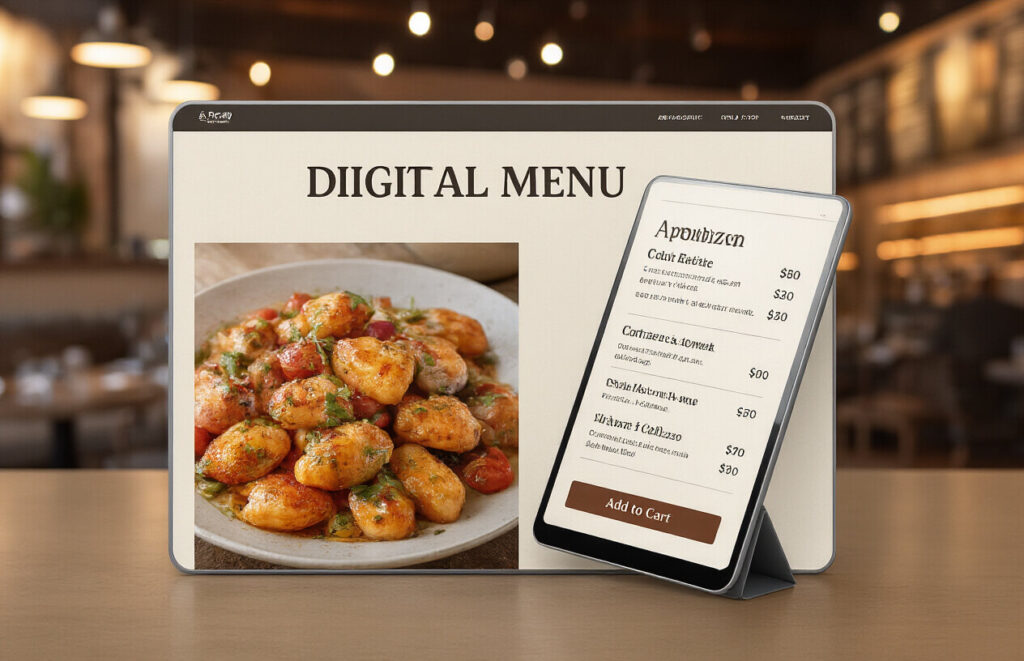
High-Quality Food Images That Sell
Ever noticed how you start craving a burger after seeing a juicy, perfectly-lit photo? That’s no accident.
Great food photos make your customers hungry before they even visit your restaurant. Poor ones? They’ll have them scrolling right past your signature dishes.
Don’t cheap out here. Invest in professional food photography that makes your dishes look irresistible. Dark, blurry phone pics won’t cut it when customers are deciding where to spend their money.
Every key menu item needs at least one mouth-watering shot. And please, use real photos of YOUR food – not stock images that set false expectations.
Clear Pricing and Descriptions
Nothing frustrates hungry customers more than cryptic menu descriptions or hidden prices.
Be crystal clear about what’s in each dish. “House special pasta” tells me nothing. “Handmade fettuccine with wild mushrooms, truffle cream sauce, and aged parmesan” makes me reach for my wallet.
Always display prices prominently. No one wants to play detective just to figure out what their meal will cost.
Keep descriptions concise but informative – focus on ingredients, cooking methods, and flavor profiles that make your dishes special.
Easy Menu Navigation
Your online menu shouldn’t feel like a maze. Customers bail when they can’t quickly find what they want.
Break your menu into logical categories – appetizers, mains, desserts, etc. For larger menus, consider subcategories like “pasta” or “seafood” under your main sections.
Make your menu searchable and ensure it loads quickly on all devices. Nothing kills hunger faster than waiting for a sluggish page to load.
Dietary Restriction Filters
Smart restaurants know today’s diners have specific dietary needs. Make it easy for them to find what they can eat.
Add filters for common restrictions: vegetarian, vegan, gluten-free, dairy-free, nut-free, and keto-friendly options. This isn’t just nice – it’s necessary for many customers.
Clearly mark these items on your menu with recognizable icons. When someone with celiac disease can quickly find safe options, you’ve just earned a loyal customer.
Seamless Online Ordering System
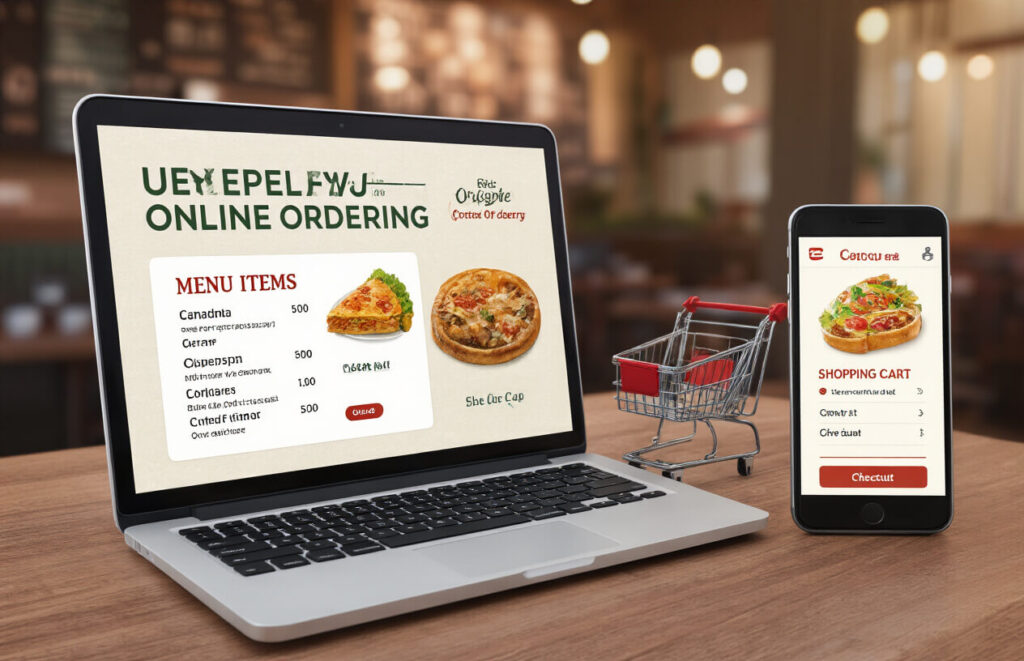
A. One-Click Reordering for Returning Customers
Remember the last time you had to re-enter your entire order at your favorite restaurant? Yeah, nobody has time for that.
One-click reordering is a game-changer. Your regular customers will love you for it. They tap once, and boom – their usual order is ready to go. No scrolling through menus or hunting for items they ordered last week.
The beauty is in the simplicity. Customers see their order history, pick a previous order, and checkout in seconds. This feature alone can boost your repeat orders by 25-30%. Why? Because you’ve removed friction from the buying process.
Smart restaurants take this even further by adding a “reorder favorite” button right on the homepage. When customers are hungry, they don’t want to think – they want to eat.
B. Real-Time Order Tracking
The days of wondering “where’s my food?” are over.
Real-time tracking isn’t just nice to have – it’s expected. Your customers want to know if their order is being prepared, ready for pickup, or on its way. This transparency builds trust and reduces those anxious “where’s my order?” calls your staff dreads.
The best tracking systems show:
- Order received confirmation
- Preparation started
- Quality check completed
- Out for delivery with estimated arrival time
- Delivery completed
GPS integration takes this to another level. Seeing the delivery driver’s location on a map gives customers that Uber-like experience they’ve grown accustomed to.
C. Customization Options for Menu Items
Your customers aren’t all the same. Why should their orders be?
People want their food their way. Extra cheese, no onions, sauce on the side – these customizations matter. A good ordering system lets customers modify their meals easily with visual cues and simple toggles.
Smart restaurant websites make customization intuitive:
- Clear “Customize” buttons for each item
- Logical grouping of modification options
- Visual representation of changes when possible
- Price updates that reflect modifications in real-time
The secret sauce? Remembering these preferences for next time. When your system recalls that someone always orders their burger without pickles, you’re not just selling food – you’re creating an experience that feels personal.
D. Smooth Checkout Process
The fastest way to lose a hungry customer? A complicated checkout.
Your checkout process should be shorter than this paragraph. Name, address, payment, done. Every extra field or page increases the chance of abandoned orders.
The masters of online ordering nail these checkout essentials:
- Guest checkout option (no forced account creation)
- Address autofill functionality
- Multiple payment options (credit cards, digital wallets, etc.)
- Saved payment methods for returning customers
- Clear order summary with no surprise fees
Pro tip: Add a progress indicator so customers know exactly how close they are to finishing their order. Nobody likes feeling trapped in checkout purgatory.
E. Order Confirmation Features
The order’s placed. Now what?
Great confirmation features do double duty – they reassure customers and reduce support inquiries. Your confirmation should hit their inbox instantly with all the details they need.
Essential elements for order confirmations:
- Order number and receipt
- Itemized list with customizations clearly noted
- Estimated preparation/delivery time
- Pickup or delivery instructions
- Contact information for questions
- Easy cancellation option (with applicable policy)
Smart restaurants add a personal touch – like a thank you message from the owner or a small discount code for their next visit. These little extras turn a transaction into a relationship.
Mobile Optimization for On-the-Go Orders

Touch-Friendly Interface
Ever tried ordering food on your phone with buttons so tiny you end up clicking the wrong item? Frustrating, right?
A touch-friendly interface is non-negotiable for restaurant websites. Your hungry customers need big, tappable buttons they can easily hit without zooming in or squinting. Think about those oversized “Order Now” and “Add to Cart” buttons that make life easier when someone’s ordering dinner on the subway.
The best restaurant websites use properly sized elements with plenty of space between clickable items. This prevents the dreaded “fat finger syndrome” where users accidentally tap the wrong option.
Smart restaurant owners also implement swipe gestures for browsing menus and intuitive pinch-to-zoom for food photos. Because let’s be honest – we all want to zoom in on that perfect pizza before ordering.
Fast Loading Pages
Three seconds. That’s all you’ve got before a hungry customer bounces from your slow-loading site.
Mobile users simply won’t wait around. When your competitor’s site loads instantly and yours crawls along, guess where that lunch order is going?
The secret sauce for speed:
- Optimized images (mouth-watering photos shouldn’t break your site)
- Minimal plugins (strip away the unnecessary tech)
- Efficient code (clean behind-the-scenes structure)
- Content delivery networks (serving your site from nearby servers)
Simplified Navigation for Small Screens
Nobody wants to play “Where’s Waldo?” with your menu button.
On mobile, screen real estate is precious. Successful restaurant websites strip navigation down to the essentials. That hamburger menu (the three lines icon) should contain clearly labeled sections that make sense to hungry people, not web designers.
The path to purchase must be crystal clear. From landing page to checkout in as few taps as possible. Every extra step loses orders.
Top-performing restaurant sites put the most important actions front and center:
- Menu access
- Order button
- Location finder
- Contact info
Remember, your mobile site isn’t just a shrunken version of your desktop site – it’s often the primary way people will order from you.
Secure Payment Processing
Multiple Payment Options
Your customers don’t all pay the same way. Some swipe cards, others tap phones, and a few still count out cash. Your restaurant website needs to handle it all.
At minimum, your online ordering system should accept:
- Credit/debit cards
- Digital wallets (Apple Pay, Google Pay)
- Gift cards
- PayPal or Venmo
Restaurants that offer multiple payment methods see 30% higher conversion rates. Why? Because nobody abandons a delicious order just because they can’t pay how they want.
Saved Payment Methods
Nobody wants to punch in their 16-digit card number while their stomach growls. Saved payment options are a game-changer for return customers.
Your system should securely store payment details, making reordering as simple as two taps. This isn’t just convenient—it’s strategic. Restaurants with saved payment options see customers order 25% more frequently.
Transparent Fee Structure
Hidden fees are the fastest way to lose a customer forever. Your payment system should clearly display:
- Menu prices
- Tax calculation
- Delivery fees (if applicable)
- Service fees
- Tip options
Show the breakdown before checkout. No surprises means happy customers who come back.
PCI Compliance for Customer Trust
Data breaches can kill your business faster than bad reviews. PCI compliance isn’t optional—it’s essential protection for both you and your customers.
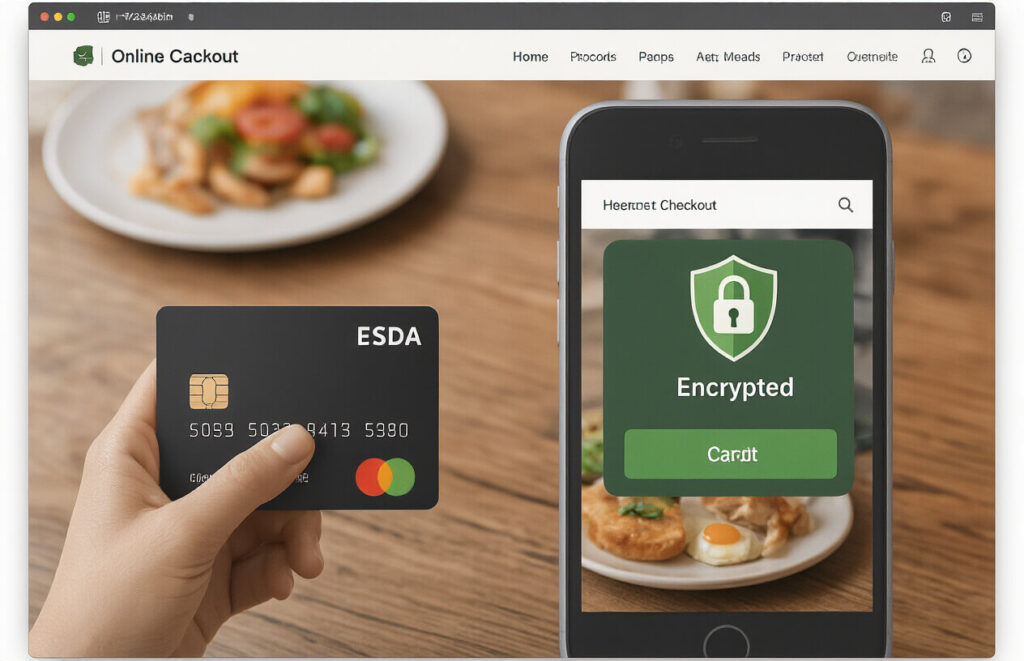
Make sure your payment processor follows Payment Card Industry standards. This means encrypted transactions, secure data storage, and regular security audits.
Display security badges prominently during checkout. Customers need to know their card info is safe while they’re dreaming about your garlic knots.
Customer Account Management
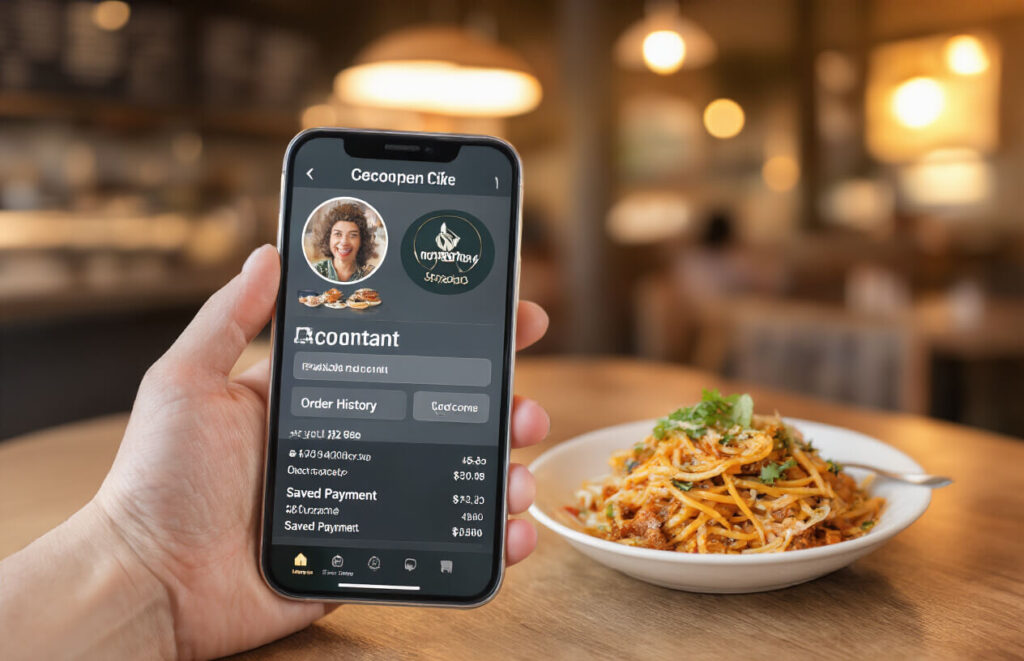
Order History Access
Ever ordered something and completely forgot what it was last time? With order history access, your restaurant customers can pull up exactly what they ordered before—right down to the extra guac and hold-the-onions requests.
This isn’t just convenient—it’s a game-changer for regular customers. They can reorder their favorites with a single click instead of rebuilding their meals from scratch every time. No more scrolling through your entire menu trying to remember if they got the spicy or mild version last time.
Plus, it saves them massive time. Most people order the same few meals repeatedly. Why make them hunt through your menu again when they can just hit “reorder” on last Tuesday’s dinner?
Saved Delivery Addresses
Nobody—and I mean nobody—enjoys typing their address on a tiny phone keyboard while hungry. Multiple saved addresses are essential for today’s mobile customers.
Your regular customers might order from different locations:
- Their home address
- Their office during lunch hours
- Their partner’s place
- Their weekend cabin
With saved addresses, they can switch between locations in seconds. No more typos leading to lost deliveries or frustrated customers waiting for food that’s headed to the wrong place.
Preference Settings
The magic happens in the details. Let your customers save their preferences:
- Dietary restrictions (gluten-free, vegan, nut allergies)
- Spice level preferences
- Default payment methods
- Preferred pickup or delivery times
These small touches make customers feel understood. When someone with a dairy allergy sees your system remembers and reminds them of potential issues with certain menu items, that’s not just convenience—it’s showing you care about their specific needs.
Reservation Integration
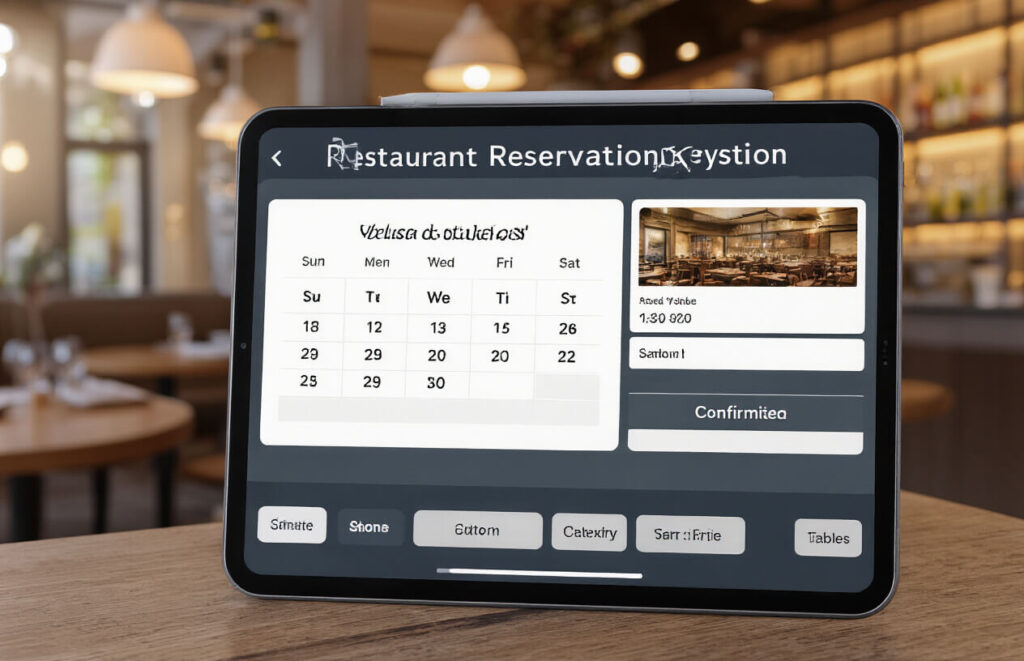
Real-Time Table Availability
Gone are the days when customers had to call your restaurant and wait on hold just to find out you’re fully booked. Real-time table availability is a game-changer. Show your customers exactly which tables are free and when, right on your website. This instantly cuts down on those back-and-forth calls that tie up your staff.
The best systems sync directly with your floor plan, so when a table gets booked, it disappears from the available options immediately. No more double bookings or awkward conversations with guests who arrive to find their table isn’t actually available.
Special Requests Options
Ever had a customer arrive expecting a romantic corner table for their anniversary, only to be seated next to the kitchen? Painful for everyone involved.
Your reservation system should let guests tell you what they need:
- Dietary restrictions
- Celebration notifications
- Specific seating preferences
- Accessibility requirements
These little details make a massive difference in guest experience. They arrive feeling understood and you’re prepared to wow them from the moment they walk in.
Confirmation Emails and Reminders
No-shows kill your bottom line. A solid reservation system sends automatic confirmations the moment a booking is made, followed by friendly reminders as the date approaches.
Smart restaurants take this a step further with:
- Personalized confirmation messages
- 24-hour reminder texts
- Easy cancellation options (better than a no-show!)
- Weather updates when relevant
Party Size Accommodation
Your website should clearly communicate which party sizes you can handle. Can you accommodate that corporate dinner for 20? What about the intimate table for two?
The best systems allow for:
- Flexible table combinations for larger groups
- Special menus for different party sizes
- Automatic calculation of required space
- Clear communication about minimum/maximum party sizes
This feature helps manage expectations and ensures you’re never scrambling to push tables together while hungry guests wait in your lobby.
Location and Hours Information
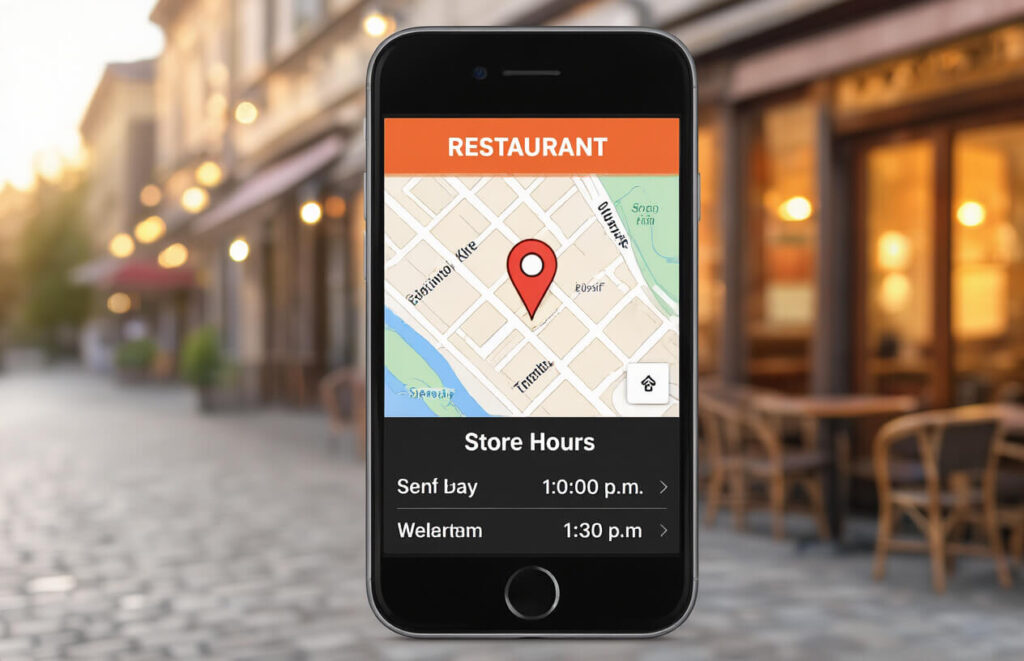
Interactive Maps
Ever landed on a restaurant website and spent way too long trying to figure out where they’re actually located? Talk about frustrating!
Smart restaurant owners know that embedding an interactive map on their website is a game-changer. It’s not just about dropping a pin—it’s about making sure hungry customers can find you without breaking a sweat.
The best interactive maps let customers:
- Zoom in and out to see surrounding landmarks
- Get directions directly to your door
- Switch between map view and street view
- Calculate driving time from their location
And here’s the kicker—Google Maps integration lets customers instantly tap “directions” and have their phone guide them straight to your delicious food. No more lost customers equals more orders!
Multiple Location Management
Got more than one restaurant location? You need a system that doesn’t confuse the heck out of your customers.
A good multiple location feature should:
- Allow customers to find the nearest restaurant automatically
- Display different menus for locations with varying offerings
- Show specific hours and contact info for each spot
- Filter reviews and ratings by location
The secret sauce? A dropdown selector or interactive map that lets customers toggle between locations without leaving the page they’re on.
Holiday Hours Updates
Nothing ruins a hungry customer’s day like driving to your restaurant only to find a “Closed for Holiday” sign.
Your website needs a prominent spot to display:
- Upcoming holiday closures
- Modified hours for special occasions
- Temporary changes due to renovations or events
- Seasonal schedule adjustments
The smartest restaurant sites use color-coded calendars or pop-up notifications to alert customers about changes. And they make these updates stupidly easy to find—not buried three clicks deep where nobody will see them.
Customer Reviews and Social Proof
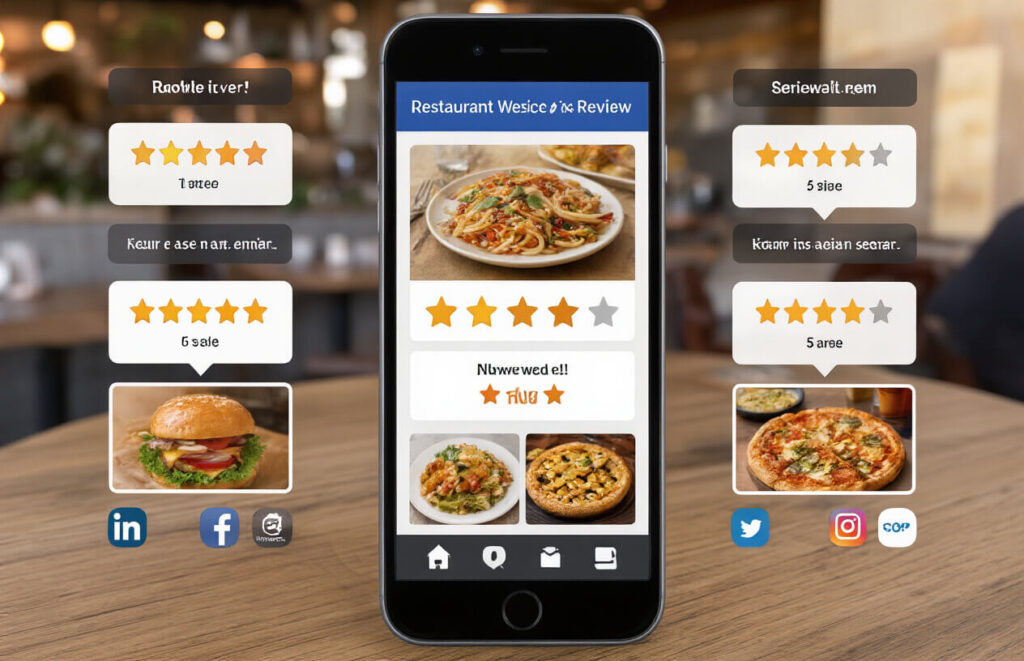
Integration with Review Platforms
Nobody’s booking a table at your restaurant just because you say it’s amazing. They need proof – and that’s where review integration shines. By connecting your website to platforms like Google Reviews, Yelp, and TripAdvisor, you’re bringing real customer experiences directly to potential diners.
The beauty? It’s automatic. New five-star reviews appear without you lifting a finger. And here’s the kicker – studies show that 94% of diners check online reviews before choosing where to eat. When they see that steady stream of happy customers, they’re already mentally ordering appetizers.
Photo Reviews from Satisfied Customers
A picture of someone’s half-eaten pasta might not sound compelling, but it’s marketing gold. Food photos shared by actual customers create authenticity you can’t fake.
Enable photo uploads with reviews and watch as your customers become your best photographers. These aren’t staged photoshoots – they’re real meals enjoyed by real people. That authenticity builds trust in seconds.
Testimonial Showcase
Time to spotlight those glowing reviews. Create a dedicated testimonial section that pulls in your best feedback. The trick is curation – highlight reviews that tell a story about your restaurant’s unique strengths.
“The pasta transported me straight to Italy” hits differently than “good food.” Pick testimonials that showcase what makes your restaurant special, whether it’s exceptional service, authentic recipes, or accommodating dietary restrictions.
Response Management System
Bad reviews happen. How you handle them matters more than the review itself.
A response management system lets you quickly acknowledge feedback, thank happy customers, and address concerns from disappointed ones. When potential customers see you responding thoughtfully to criticism, it shows character and commitment to improvement.
Loyalty and Rewards Program
Points System for Repeat Orders
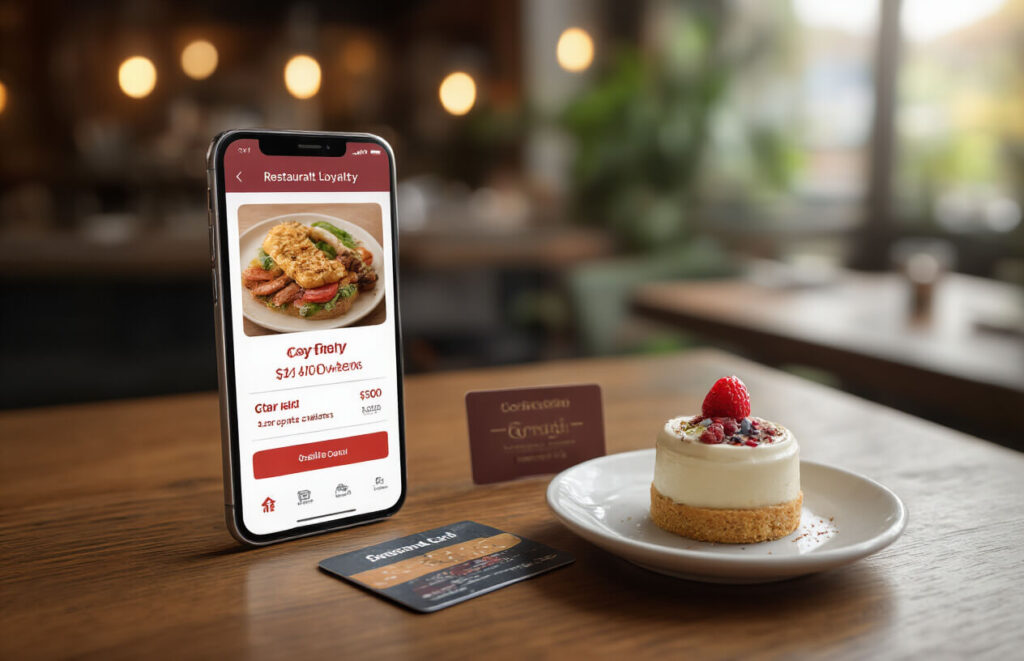
Ever notice how much more fun shopping becomes when you’re racking up points? That’s the magic your restaurant needs. A points system turns every order into a mini-victory for customers.
Set it up so diners earn a point for every dollar spent. When they hit 100 points, boom – free appetizer. At 200 points, they get a complimentary dessert. This creates a compelling reason for customers to pick your restaurant over competitors when they’re scrolling through delivery apps.
The best part? It’s basically a built-in marketing tool. Customers who are 5 points away from a reward are likely to place that extra order to cross the threshold.
Special Birthday Offers
Birthdays are personal. When your restaurant remembers, it hits different.
Send an automated “Happy Birthday” with a juicy offer – free entrée, dessert on the house, or 25% off their order. This small gesture creates a powerful emotional connection.
Most restaurants collect birth dates during sign-up but do nothing with them. Don’t be that restaurant. Make your customers feel special on their day.
Referral Bonuses
Your happy customers are your best marketers. Give them a reason to spread the word.
Create a simple system: “Refer a friend, get $10 off your next order.” When their friend orders using their code, both get the discount. Double win.
This strategy is gold because it targets people who already trust your referrer’s opinion. The cost of those discounts is peanuts compared to what you’d spend on ads reaching cold prospects.
VIP Tiers for Frequent Customers
People love status. Create a tiered loyalty program that makes your regulars feel like restaurant royalty.
Start with a basic tier (Bronze), then move customers up to Silver, Gold, and Platinum based on order frequency and spending. Each tier unlocks better perks:
| Tier | Requirements | Perks |
|---|---|---|
| Bronze | Sign up | 5% off orders |
| Silver | 5+ orders/month | 10% off + priority delivery |
| Gold | 10+ orders/month | 15% off + free delivery |
| Platinum | 20+ orders/month | 20% off + exclusive menu items |
This gamifies the whole experience. Customers will actually increase their ordering frequency just to maintain or level up their status.
Performance Analytics for Restaurant Owners
A. Popular Dish Tracking
Ever wonder which dishes are your restaurant’s superstars? Popular dish tracking shows you exactly what’s flying out of your kitchen. No more guesswork!
With proper analytics, you’ll see:
- Your top 10 money-making dishes
- Items that get ordered together most often
- Which dishes customers rate highest
This insight is gold. If your spicy tuna rolls outsell everything else by 200%, maybe it’s time to create variations or highlight them more prominently on your digital menu.
B. Peak Ordering Times
Know when the flood of orders is coming before it hits. Peak time analytics show you exactly when customers get hungry.
Friday nights swamped with orders? Tuesday afternoons dead? This data helps you:
- Staff appropriately (no more overstaffing during slow periods)
- Prep ingredients in advance for rush times
- Create time-specific promotions to boost slow periods
Smart restaurant owners use this data to run flash promotions during typically slow hours. “20% off all orders between 2-4pm” can transform your dead time into profit time.
C. Customer Retention Metrics
Repeat customers are your bread and butter. Your analytics should tell you:
- How many customers order once vs. multiple times
- Average time between orders for repeat customers
- Which dishes bring people back
The numbers don’t lie. If you see customers ordering once and disappearing, something’s wrong. Maybe your follow-up marketing needs work, or perhaps the experience itself needs improvement.
D. Sales Reporting Dashboard
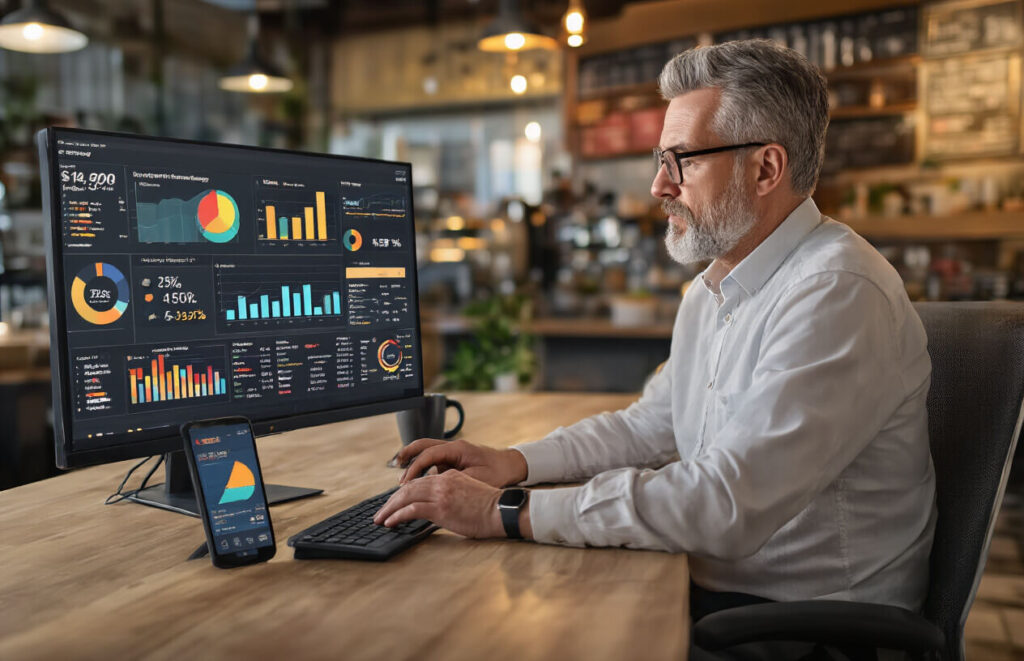
Your dashboard should be mission control – giving you the big picture and important details at a glance.
A good dashboard shows:
- Daily, weekly, monthly, yearly sales comparisons
- Average order value trends
- Payment method breakdowns
- Refund and cancellation rates
This information shouldn’t require a data science degree to understand. Clean visuals and simple graphs make quick decisions possible.
E. Marketing Campaign Effectiveness
Sending out promos without tracking results is like throwing money into the wind. Your analytics should connect marketing efforts directly to sales.
Track:
- Which email campaigns drive the most orders
- ROI on specific promotions
- Customer acquisition cost for different marketing channels
- Social media conversion rates
When you see that your “Tuesday Text Special” consistently brings in 40+ orders but your Instagram ads barely convert, you know exactly where to focus your marketing budget next month.
A well-designed restaurant website with powerful online ordering capabilities is no longer a luxury—it’s essential for survival in today’s digital-first dining landscape. From intuitive menu displays and seamless ordering systems to mobile optimization and secure payment processing, these ten features create a foundation for success. Customer-centric elements like account management, reservation integration, and loyalty programs further enhance the experience, while practical components such as location information and performance analytics ensure both diners and restaurant owners get maximum value.
Ready to transform your restaurant’s online presence? Implementing these must-have features will not only meet your customers’ expectations but exceed them, driving increased orders, fostering loyalty, and ultimately boosting your bottom line. Your website is often the first impression potential customers have of your restaurant—make it count by creating a digital experience that’s as satisfying as your cuisine.